
Top 10 Mistakes to Avoid in Drone Mapping for GIS
By Antonio Liska •
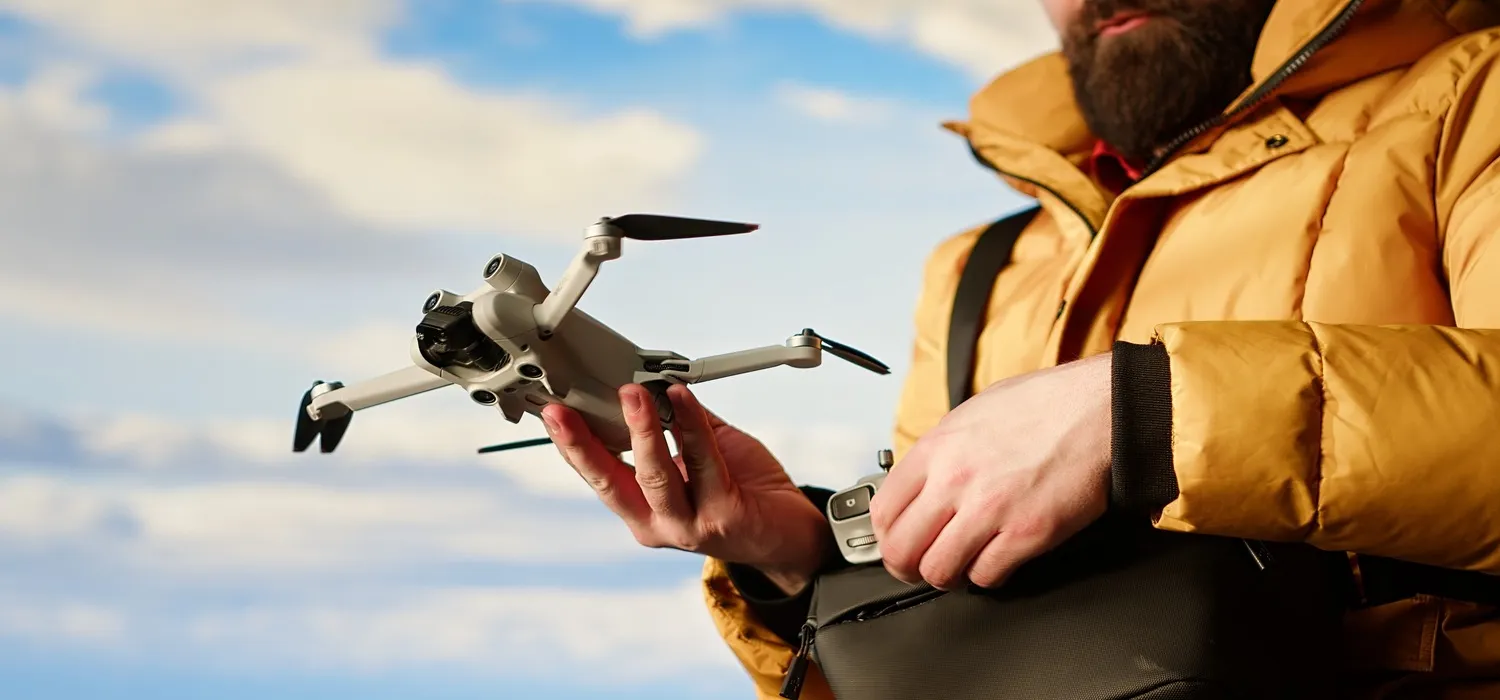
Drone mapping has revolutionized how professionals collect geospatial data. What used to take days of fieldwork can now be captured in a single flight. But just because drone mapping is faster doesn’t mean it’s foolproof. In fact, small errors in planning, equipment, or processing can lead to big problems, like inaccurate elevation models, misaligned orthomosaics, or data that simply isn’t GIS-ready.
At Robota, we’ve worked with surveyors, engineers, and GIS specialists since 2011 to build reliable drone mapping solutions that deliver precision where it matters. Along the way, we’ve seen the same mistakes repeated, often by otherwise experienced teams. The good news? They’re all avoidable.
Here are the top 10 mistakes to watch out for when using drones for GIS mapping solutions and how to sidestep them.
Why Is Accuracy So Critical in Drone Mapping for GIS?
GIS workflows demand more than pretty pictures. Whether you’re modeling flood plains, planning infrastructure, or monitoring crop health, your maps must align with real-world coordinates, often to within a few centimeters. If your drone data isn’t properly georeferenced or lacks ground truthing, it becomes useless for analysis, reporting, or integration with other spatial datasets.
That’s why understanding the full workflow, from flight planning to post-processing is essential.
\1. Flying Without RTK or PPK and Expecting Survey-Grade Accuracy
One of the most common myths is that any drone with a good camera can produce accurate maps. The truth? Consumer drones without RTK (Real-Time Kinematic) or PPK (Post-Processed Kinematic) support typically achieve only 1–3 meter accuracy, fine for visual inspection, but inadequate for GIS.
Fix it: Use an RTK-enabled drone like DJI’s Phantom 4 RTK or Mavic 3 Enterprise series, or consider specialized platforms such as Robota’s Eclipse 2.0. You can also pair many consumer or prosumer drones with a high precision GNSS receiver like the RoboDot Touch. RTK/PPK technology corrects GPS errors in real time or during post-processing, delivering centimeter-level accuracy, often without the need for dozens of ground control points (GCPs). This not only saves time in the field but also improves consistency across survey-grade mapping projects.
\2. Skipping Ground Control Points Entirely (Even with RTK)
While RTK reduces the need for GCPs, it doesn’t eliminate them in all cases. For legal surveys, regulatory submissions, or projects requiring absolute accuracy over large areas, a few well-placed GCPs are still recommended as validation checkpoints.
Fix it: Use 3–5 GCPs at known coordinates, especially at the edges of your site. Then compare them to your drone output during processing in software like Agisoft Metashape to verify accuracy.
\3. Ignoring Flight Planning Best Practices
Flying haphazardly leads to gaps, blurry images, or poor overlap, killing your reconstruction. GIS mapping requires consistent front and side overlap (typically 70–80% front, 60–70% side) to ensure every point on the ground is captured from multiple angles.
Fix it: Use a capable ground control station like Robota GCS to plan and execute automated flight missions with precision. Pre-define your mission parameters, including altitude, speed, image overlap, and camera settings, based on your sensor type and project goals. Robota’s application guides include step-by-step workflows for photogrammetry missions, helping you capture consistent, high-quality data right from the first flight.
\4. Using the Wrong Drone for the Job
Multirotor drones are great for small sites, but if you’re mapping 100+ acres, a fixed-wing drone like Eclipse 2.0 is far more efficient. With up to 100 minutes of flight time, it covers large areas faster, with fewer battery swaps and less pilot fatigue.
Fix it: Match your drone platform to your project scale. For large-scale GIS mapping solutions, fixed-wing RTK drones offer the best combination of endurance, accuracy, and coverage.
\5. Overlooking Environmental Conditions
Wind, lighting, and atmospheric interference can ruin a flight. Harsh midday sun creates shadows that confuse photogrammetry algorithms. High winds cause drift, even with GPS. And heavy cloud cover can degrade GNSS signals.
Fix it: Fly on clear, calm days, ideally 2–3 hours after sunrise or before sunset for soft, even lighting. Check local GNSS error forecasts if working in areas prone to signal degradation.
\6. Processing Data Without Proper Calibration
Raw drone images aren’t GIS-ready. You need photogrammetry software that can handle your RTK metadata correctly. Some platforms ignore embedded GNSS data or fail to apply PPK corrections properly.
Fix it: Use professional software like Agisoft Metashape Pro, which fully supports RTK/PPK data from systems like Robota’s. Ensure your software imports the full EXIF and GNSS logs, don’t rely on generic stitching tools.
\7. Assuming All GNSS Receivers Are Equal
Not all RTK receivers deliver the same performance. Single-band receivers struggle in urban canyons or under tree cover. Multi-band RTK GPS receivers like RoboDot Touch track more satellite signals (GPS, GLONASS, Galileo, BeiDou), improving reliability and accuracy in challenging environments.
Fix it: Invest in a multi-band RTK GNSS system. It’s especially critical if you work in varied terrain or near tall structures.
\8. Neglecting Data Validation
Just because your software produced a 3D model doesn’t mean it’s accurate. Always validate your output against known points or prior surveys.
Fix it: After processing, check RMSE (Root Mean Square Error) values in your software. Compare elevations and coordinates at control points. If errors exceed your project tolerance (e.g., 3 cm), revisit your flight or processing settings.
\9. Trying to Cut Corners on Training
Drone mapping blends aviation, surveying, and GIS. Skipping proper training leads to safety risks, regulatory violations, and poor data.
Fix it: Invest in hands-on training for both flight operations and data processing. Robota’s documentation portal offers step-by-step guides for integrating RoboDot Touch and Eclipse 2.0 into real-world workflows.
\10. Treating Drone Mapping as a One-Off Tool Instead of a Workflow
The real power of drone mapping lies in repeatable, consistent data collection over time for progress tracking, change detection, or seasonal monitoring. One-off flights miss this strategic value.
Fix it: Build standardized flight and processing protocols. Use the same GCPs, altitudes, and software settings across all missions. This ensures your GIS layers align perfectly over time.
The Bottom Line
Drone mapping for GIS isn’t just about flying a drone, it’s about building a reliable, precise, and repeatable data pipeline. When done right, it delivers unparalleled insights at a fraction of traditional costs. When done poorly, it wastes time, money, and trust.
At Robota, our mission is to make high-precision drone mapping solutions accessible, affordable, and robust. From the Eclipse 2.0 fixed-wing RTK drone to the RoboDot Touch multi-band GNSS receiver and Goose autopilot, our tools are designed to work together, so you get GIS-ready data you can count on.
Ready to Map with Confidence?
If you’re serious about GIS mapping and want to avoid costly mistakes, start with the right foundation. Robota’s integrated ecosystem of drones, receivers, and software is built for professionals who demand accuracy, efficiency, and reliability.
Explore our full suite of GIS mapping solutions or contact our team for a personalized workflow consultation. We’ll help you choose the right tools and use them correctly from day one.
Contact us to learn how our navigation and measurement technology can elevate your next geospatial project.
Because in GIS, precision isn’t optional, it’s the point.
Put centimeter accuracy to work
See the RoboDot Touch RTK receiver or talk to us about your surveying and mapping workflow.