
RTK GPS Receiver: How It Works and What to Check
By Antonio Liska • • Updated
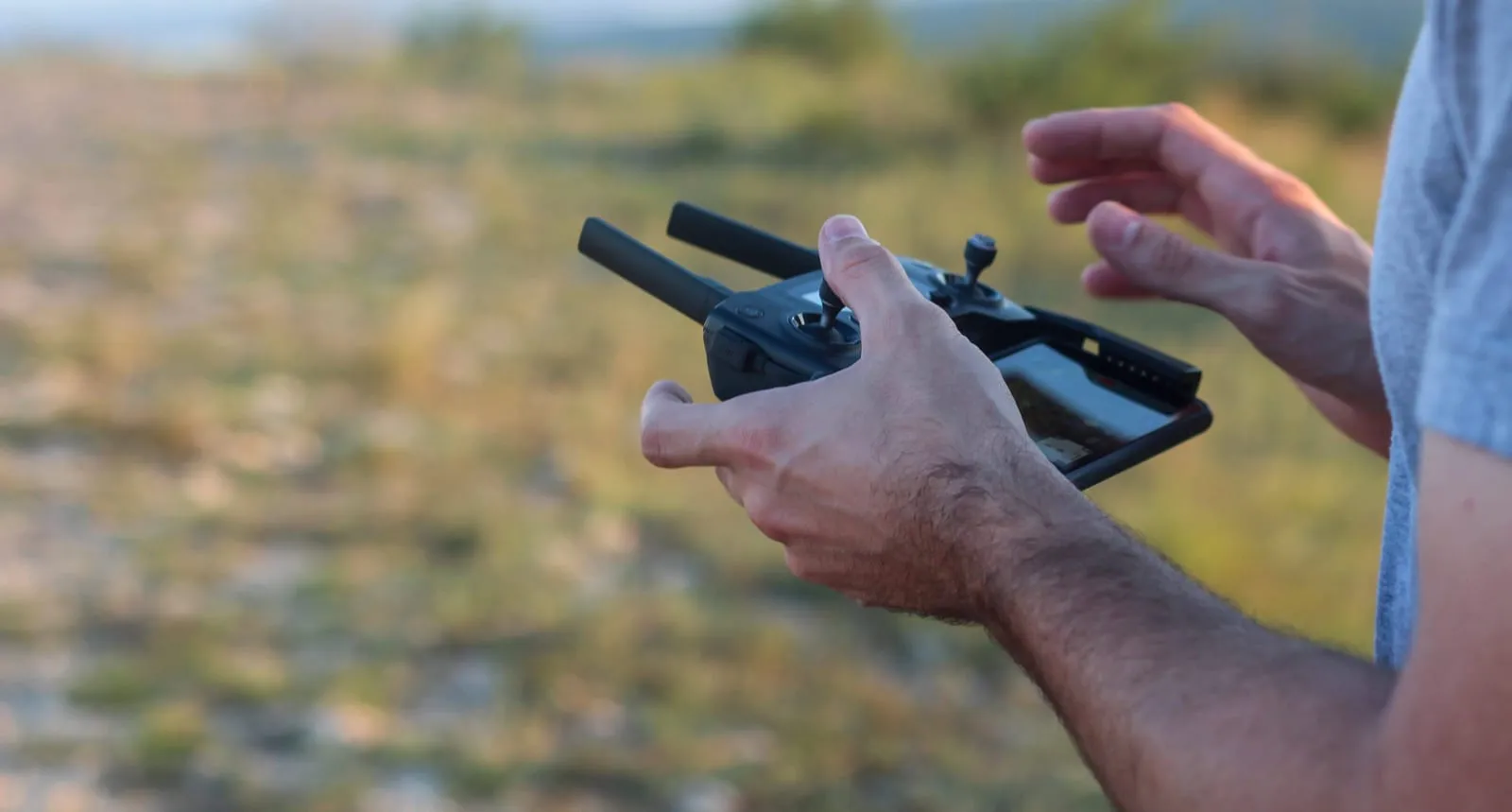
An RTK GPS receiver uses live correction data to improve its position from satellite signals. The receiver you carry, mount on a vehicle, or use for a survey is called a rover. It gets corrections from a base station or a reference-station network. Under suitable conditions, a fixed RTK solution can support centimeter-level measurements.
That precision does not come from the rover alone. You need a compatible correction source, a working link to it, and a way to check the result against your job’s requirements.
What does “RTK GPS receiver” mean?
RTK stands for Real-Time Kinematic. It compares satellite measurements at the rover with measurements from a reference point. The rover uses that information to reduce shared errors and calculate its position as you work.
GPS is one satellite navigation system. Many receivers also use Galileo, GLONASS or BeiDou. “RTK GPS” is a common name for this kind of equipment, but the systems and signals a receiver supports vary by model. Learn how GPS fits within GNSS.
Where do the corrections come from?
You can run your own base station on a point whose coordinates you know. It sends correction data to the rover over a connection the two devices support. This gives you control over the setup, but you are responsible for the base position and the link. See how an RTK base station fits the workflow.
Or you can use a correction network. The rover receives a stream from a service, often over the internet using NTRIP. Check the service’s coverage, the rover’s connection, and the reference frame your work requires. See RoboNet correction plans if you are considering a network for RoboDot Touch.
If the correction stream drops, the rover may lose its fixed RTK solution. Check the fix status before recording a point.
How accurate is RTK compared with ordinary GPS?
A phone’s satellite fix can be useful for navigation, but it does not give you a survey point just because it shows many satellites. RTK can reach centimeter-level relative positioning when the equipment, correction link and field conditions support a fixed solution. It is not a blanket accuracy guarantee.
The base or network’s coordinates matter. A base set to the wrong position can shift every rover result, even while the rover reports a fixed solution. Buildings and trees can block signals; reflections can affect the measurements. For work that depends on absolute coordinates, check a known point before collecting new points and repeat checks as needed.
What should you check before choosing a receiver?
- Correction fit: Can it receive the NTRIP, radio or other correction stream you intend to use? Check the service and receiver together.
- Field workflow: Does its position output work with your data collector, mapping app or equipment? A supported satellite signal alone does not prove software compatibility.
- Roles and records: Do you need a rover only, or a unit that can also serve as a base? If you plan to process observations later, check for raw-data logging and a usable export path.
- Site conditions: Can your setup see enough clear sky, hold the correction link and meet the accuracy checks your job requires?
If you are learning the field steps, use the RTK GPS surveying guide. It covers the workflow after you choose the equipment.
Where does RoboDot Touch fit?
RoboDot Touch can work as a base or a rover. As a base, it can send corrections through its Wi-Fi NTRIP caster or an installed LoRa radio. As a rover, it can use NTRIP network corrections or corrections from a RoboDot base over LoRa. It also records raw observations for later processing. The connection and configuration you need depend on your site and other equipment.
See RoboDot Touch details to compare the current product with your setup. For a broader buying view, see RTK GPS receivers.
Put centimeter accuracy to work
See the RoboDot Touch RTK receiver or talk to us about your surveying and mapping workflow.